- Brands Logos
- Logo Templates
- Icons
- Vectors
- Font In Logos
- Blog
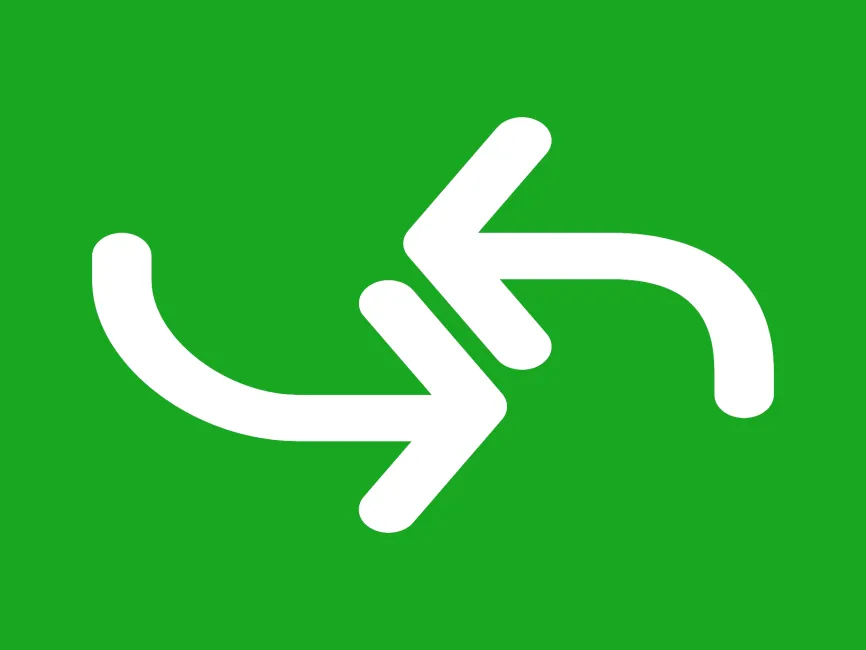
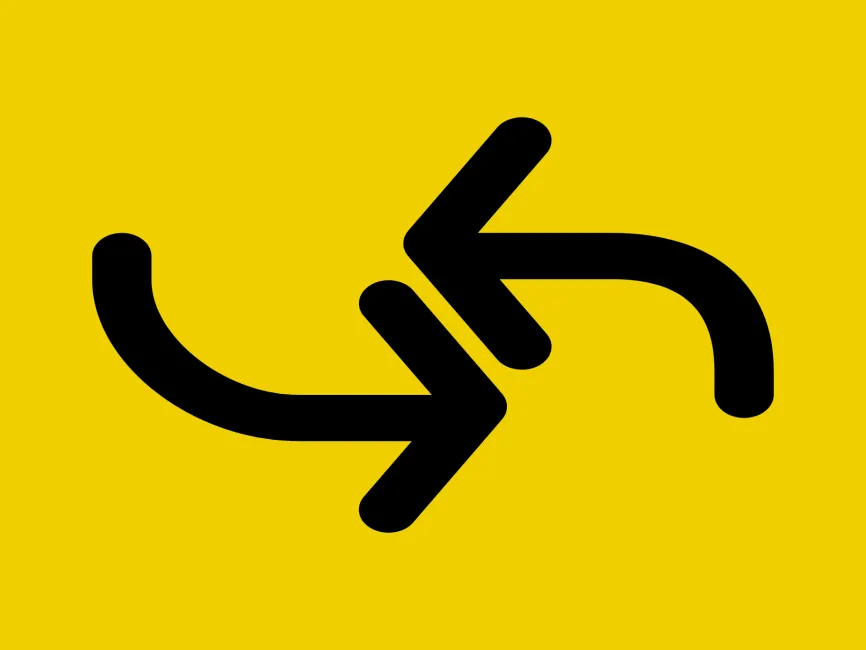
This design is a Swap Direction Arrows Icon, featuring two opposing curved arrows—one pointing up-left and the other down-right. It’s a bold, symmetrical symbol commonly used to represent switching, reversing, exchanging, or bidirectional flows in digital applications. With its fluid yet structured curves, the icon visually communicates movement between two states or directions, making it ideal for systems requiring clarity around data or user action transitions.
This type of icon is widely recognized across modern UIs, especially in areas like file management, syncing tools, transactional platforms, and configuration settings.
The icon includes:
A rounded leftward curve leading into an upward-left arrow, symbolizing an incoming or backward direction,
A rounded rightward curve leading into a downward-right arrow, indicating outgoing or forward direction.
The arrows mirror each other in style and stroke weight, enhancing balance and visual harmony. The use of rounded corners makes the design feel smooth, modern, and mobile-friendly—ideal for contemporary digital interfaces.
This free vector icon is available in a full range of professional design formats:
SVG Icon – for flexible use across responsive design systems,
PNG Icon – high-resolution with transparency for easy drag-and-drop,
AI File – editable source file for Adobe Illustrator,
PDF Format – scalable and print-ready for documents and signage.
Each file maintains the sharp, vector quality for consistent use across all screen and print resolutions.
Perfect for integration in:
Swap or exchange buttons
Data synchronization modules
Transaction reversals
Version toggles
Import/export functions
Bidirectional workflows
Its dual-arrow composition makes it suitable for interface components that require clear visual cues for switching or reversing directions—especially in applications dealing with data movement, ecommerce, financial tools, and system utilities.
This icon embodies reciprocity, duality, and operational flexibility, making it perfect for use in:
Finance & banking platforms
eCommerce and return systems
System configuration UIs
Data analytics tools
Logistics and supply chain dashboards
Its motion-focused aesthetic also works well in environments that deal with real-time updates, automation, or control panels.
Download this Swap Direction Arrows Icon in SVG, PNG, AI, and PDF formats from Logowik.com to visually represent transitions, exchanges, or reversals in your digital product. This free icon is ideal for dashboards, app interfaces, and system tools where dual-direction flow is essential. As a clean vector icon, it retains clarity and style at any scale. Whether you're building an eCommerce return system, a sync function, or a data pipeline, this free SVG logo icon offers a simple, elegant solution for communicating complex movements.